
Exit Ticket Template
Exit tickets are quick end-of-lesson checks that show what students understood — and what to reteach tomorrow. This pack gives you printable exit slips four to a page in popular formats (3-2-1, rate your understanding, muddiest point, one-question checks and more), editable Word versions for your own prompts, and a simple tracker to sort responses and plan next steps.
- Instant download
- Editable Word & Excel
- Print-ready PDF
- 7-day refund
9 files · PDF, DOCX, XLSX
Exit Ticket Templates
Printable exit slips (four per page) in eight formats plus math, reading and science versions, editable Word templates and an Excel exit ticket tracker.
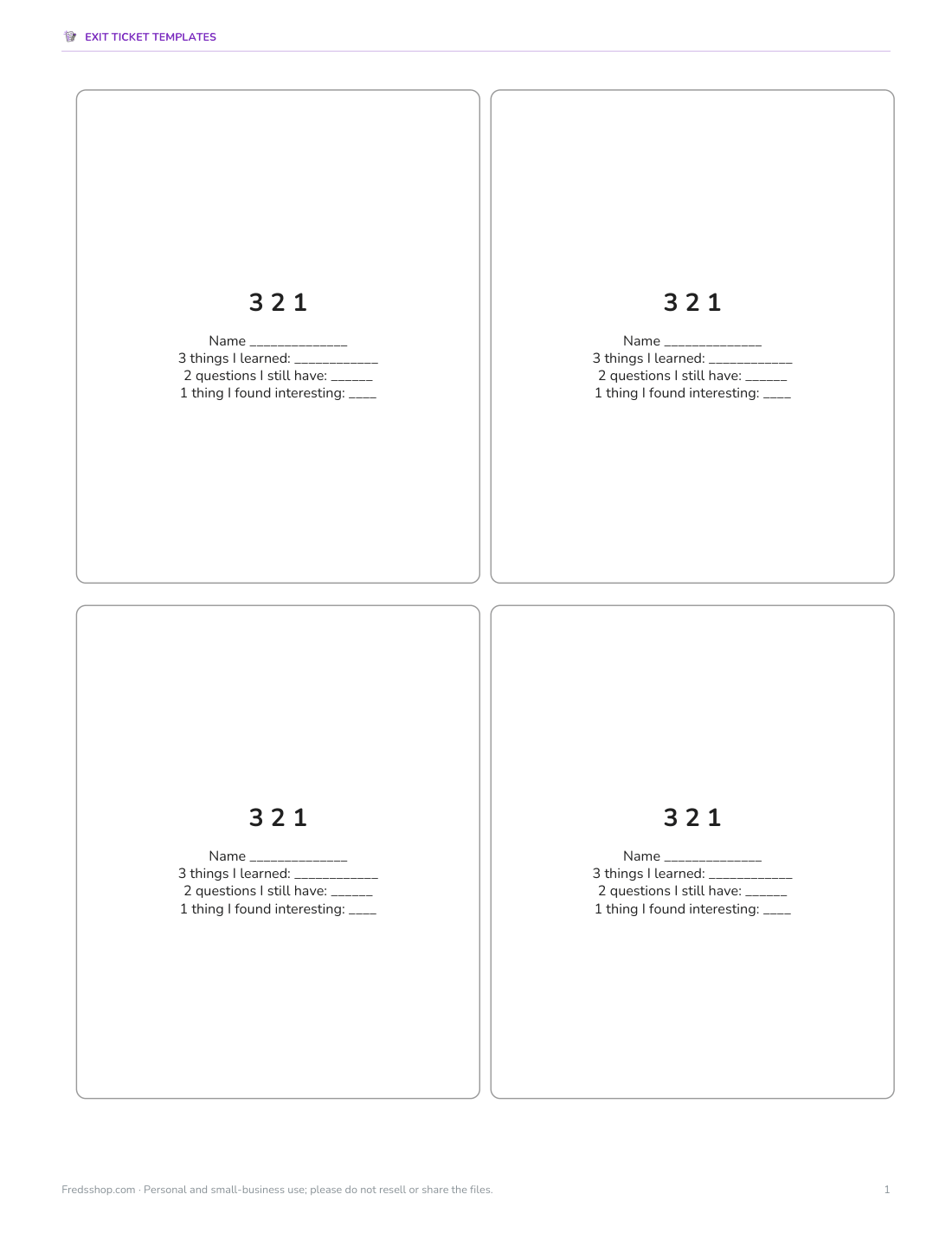
- 3 2 1 slips (PDF)
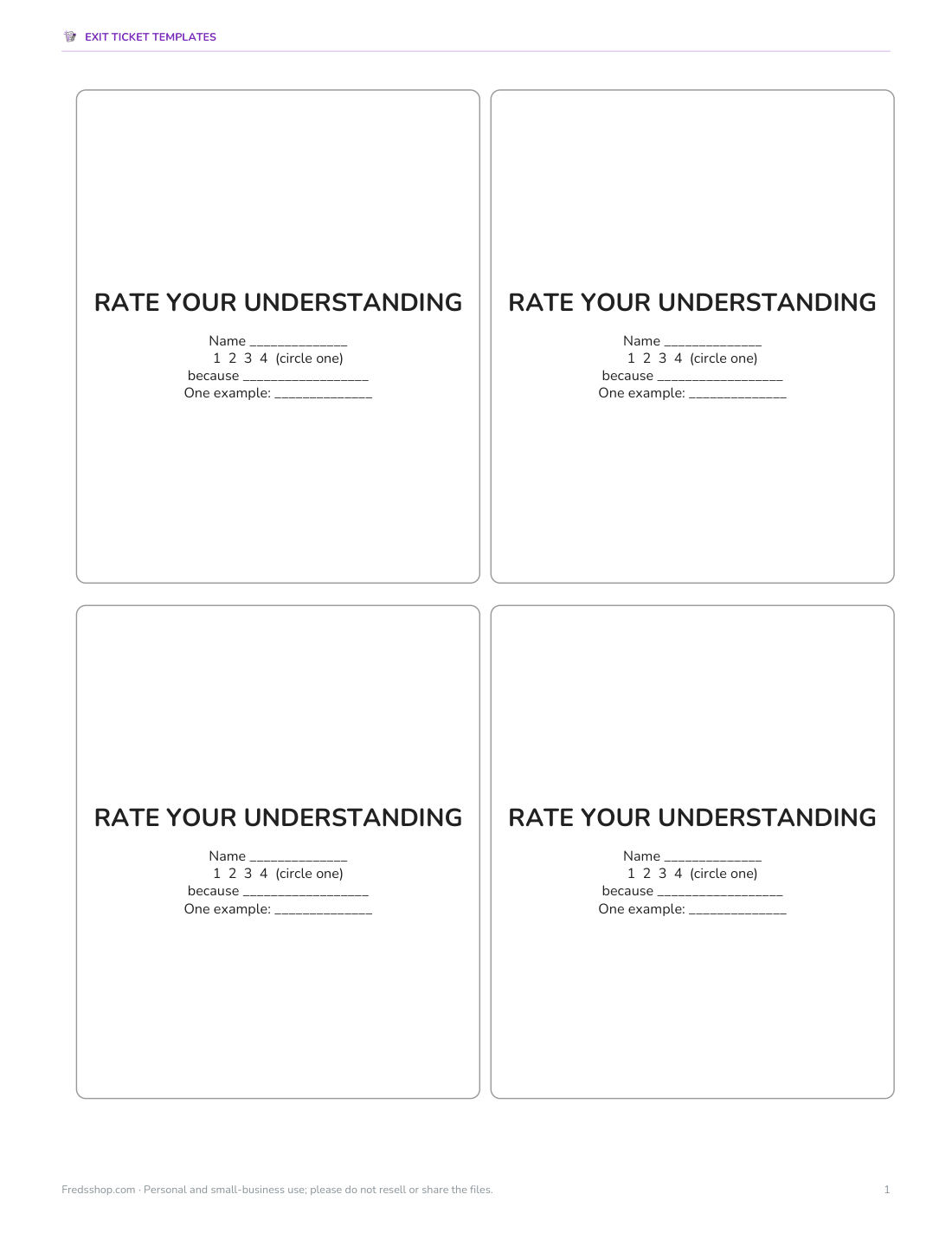
- Rate Your Understanding slips (PDF)
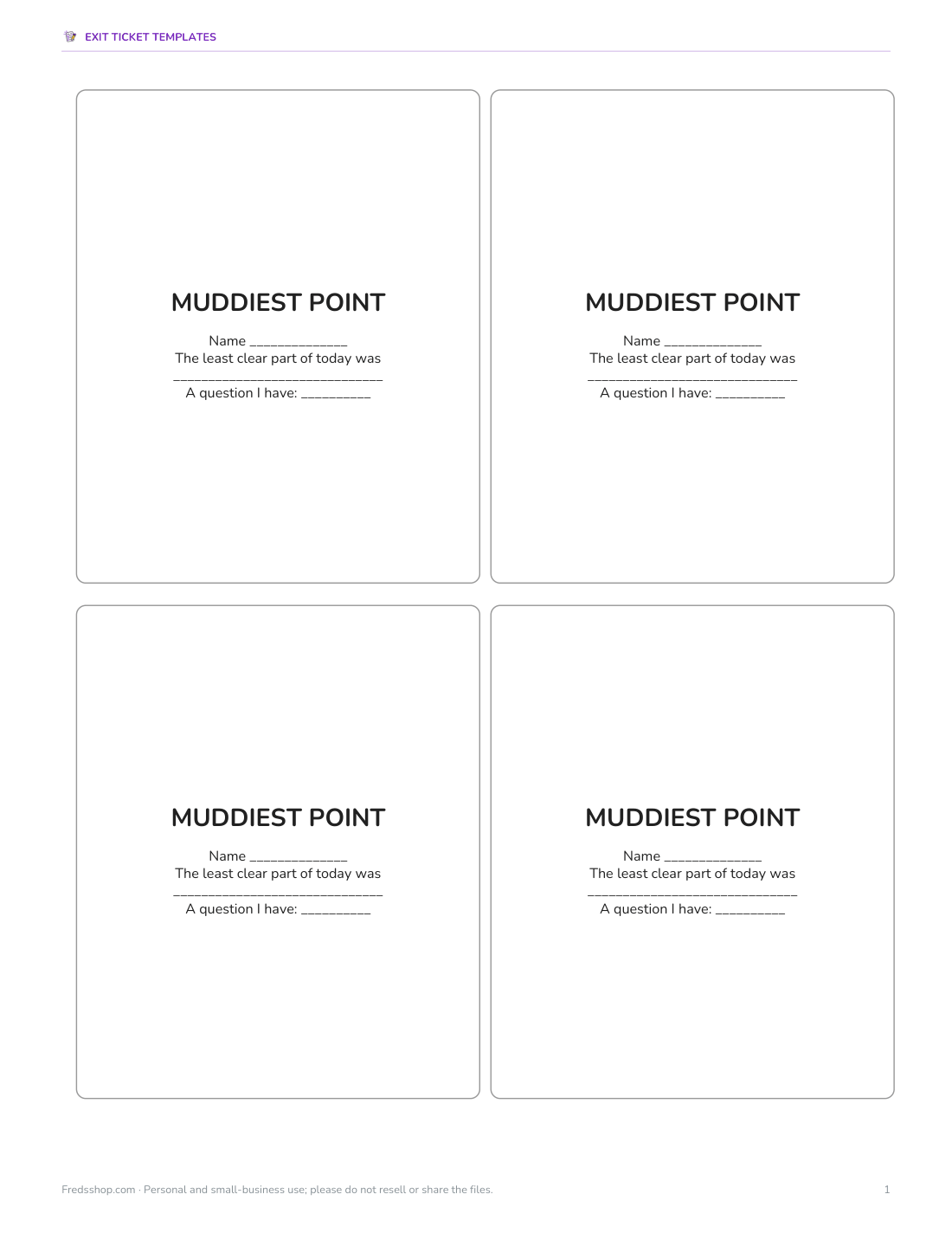
- Muddiest Point slips (PDF)
- + 6 more
$5.00 USD, one-time 9 files · about $0.56 each
- Instant download
- 7-day refund
- Secure checkout by Stripe
✓ Classroom use included
7-day money-back guarantee. Full refund within 7 days of purchase, even after you download.
Free sample: Exit Ticket 3 2 1 (PDF, 44 KB)
License: personal and classroom use. Teachers may print and photocopy these files for the students in their own classes, and share them in a password-protected class space (e.g. Google Classroom). Please do not resell, redistribute, or post the files on public websites. One purchase covers one teacher.
Exit Ticket Templates
Printable exit slips (four per page) in eight formats plus math, reading and science versions, editable Word templates and an Excel exit ticket tracker.
- 3 2 1 slips (PDF)
- Rate Your Understanding slips (PDF)
- Muddiest Point slips (PDF)
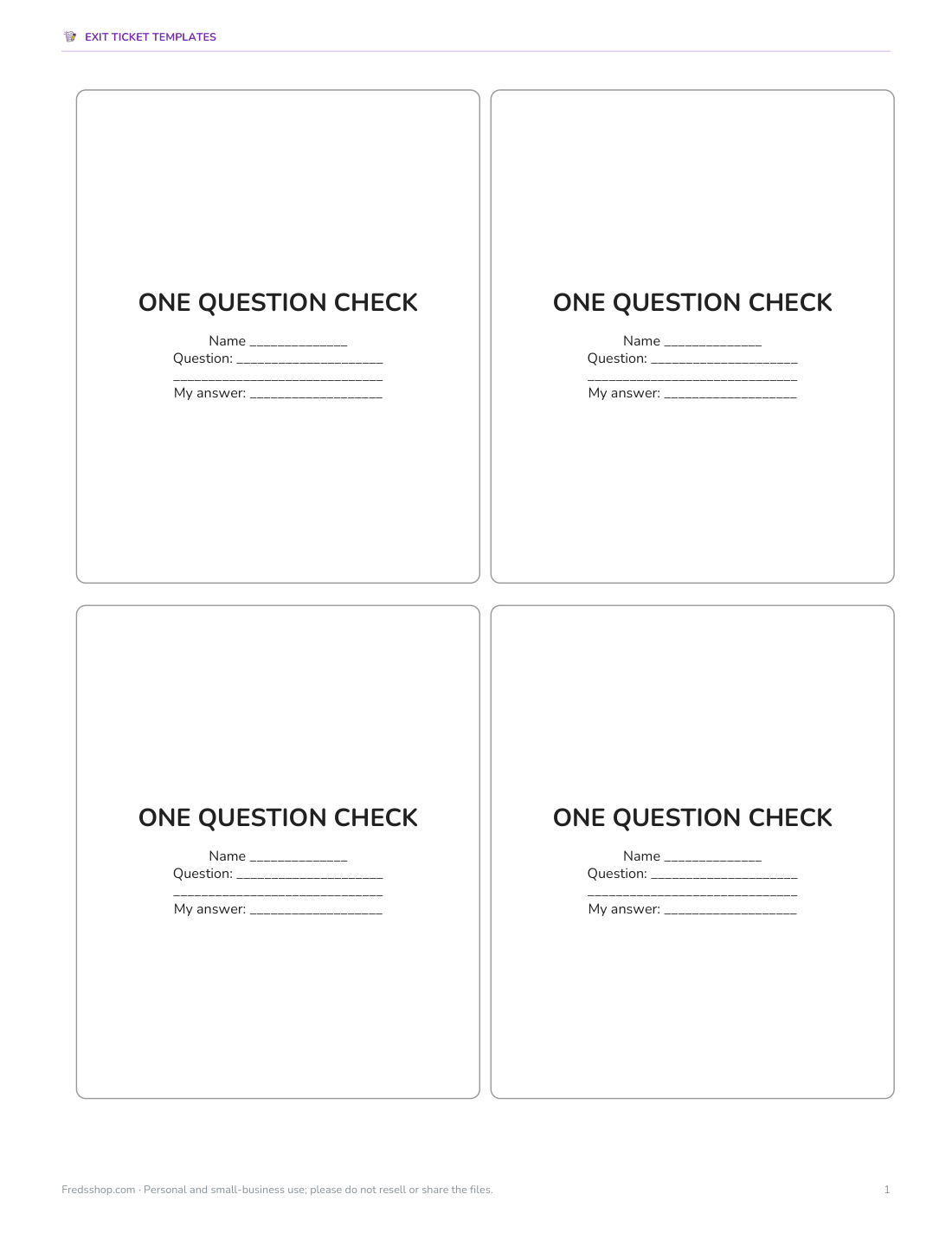
- One Question Check slips (PDF)
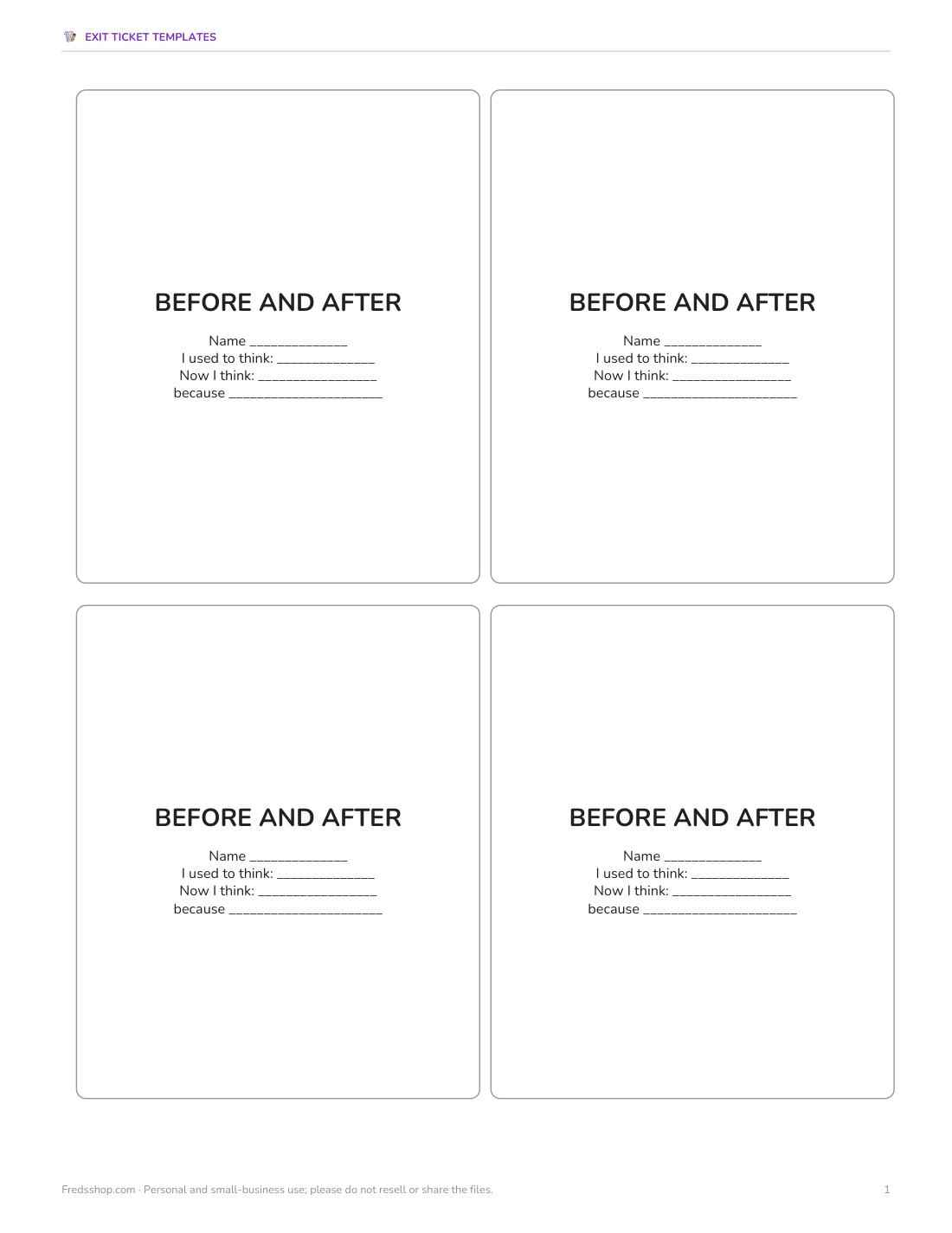
- Before And After slips (PDF)
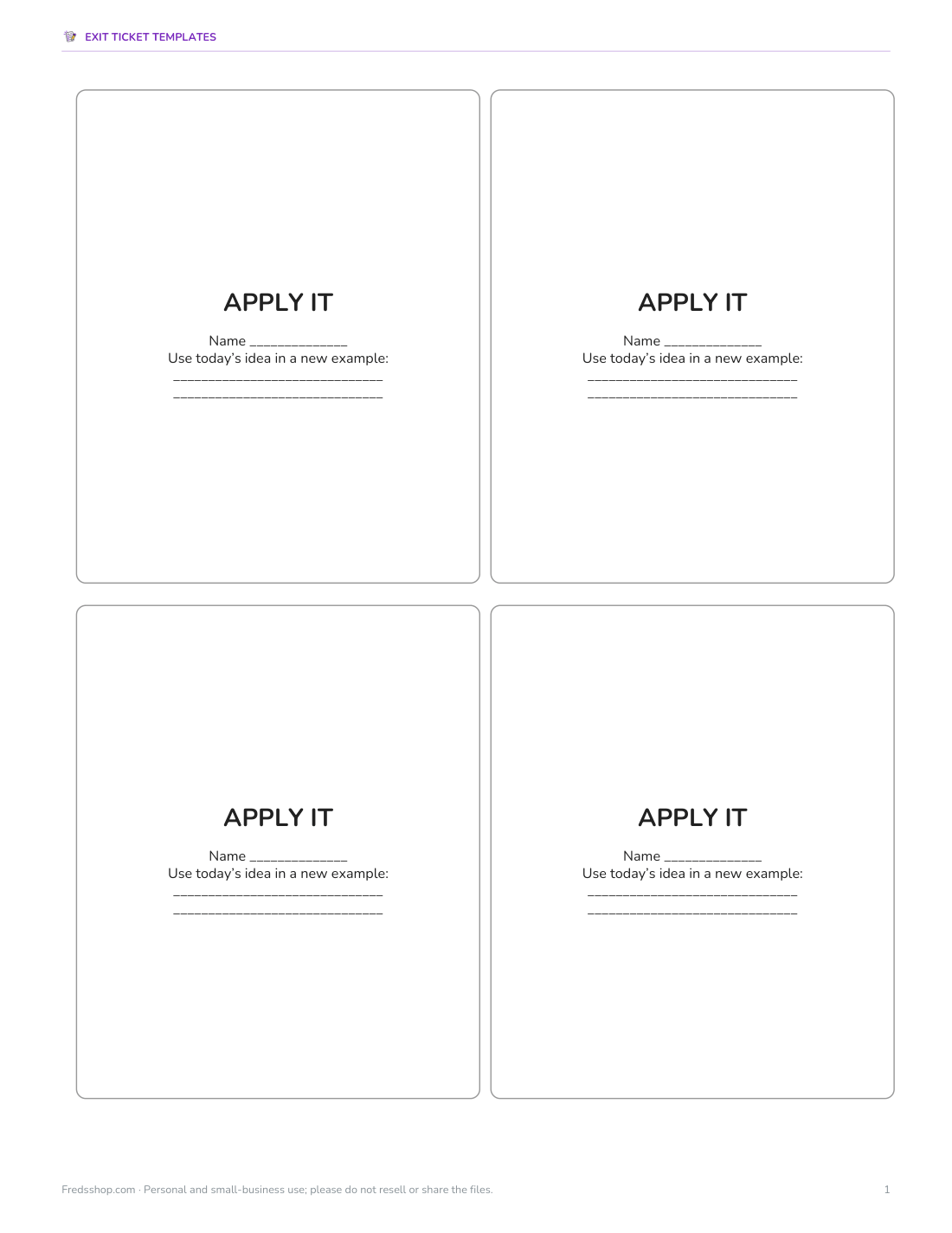
- Apply It slips (PDF)
- Math, reading, science slips (PDF)
- Editable slips (DOCX)
- Tracker (XLSX)
Formats: PDF, DOCX, XLSX. Instant download after payment (link valid 72 hours, up to 5 downloads). AI-assisted: the templates were drafted with AI help and reviewed and laid out before publishing.
$5.00 USD, one-time 9 files · about $0.56 each
- Instant download
- 7-day refund
- Secure checkout by Stripe
7-day money-back guarantee. Full refund within 7 days of purchase, even after you download.
Free sample: Exit Ticket 3 2 1 (PDF, 44 KB)
Full refund within 7 days — see the refund policy and license.
Free printables
Single sheets you can print right now, no sign-up. The full pack adds every sheet in one download plus the editable files.
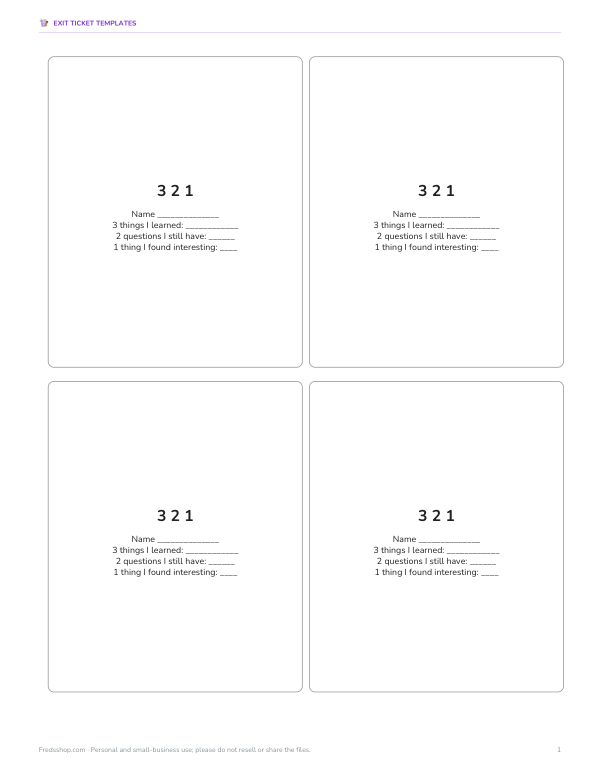 Printable 3 2 1 Slips1 page · free PDF
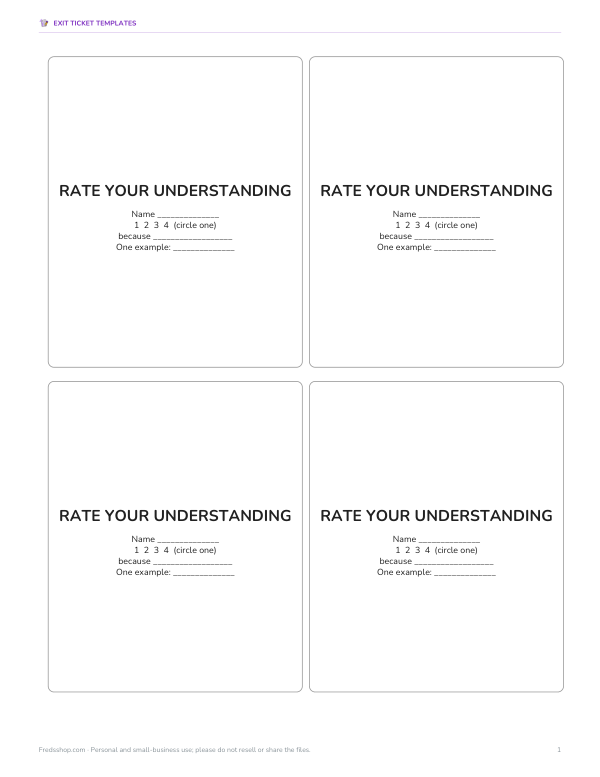 Printable Rate Your Understanding Slips1 page · free PDF
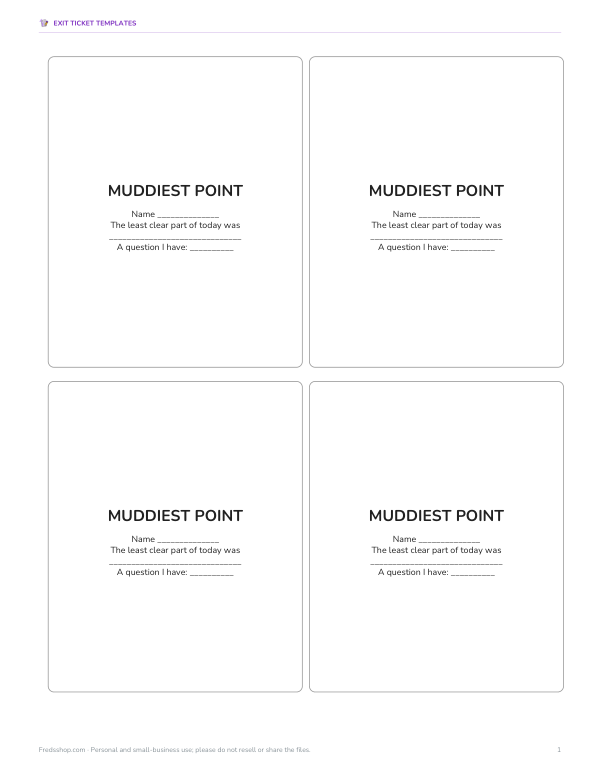 Printable Muddiest Point Slip1 page · free PDF
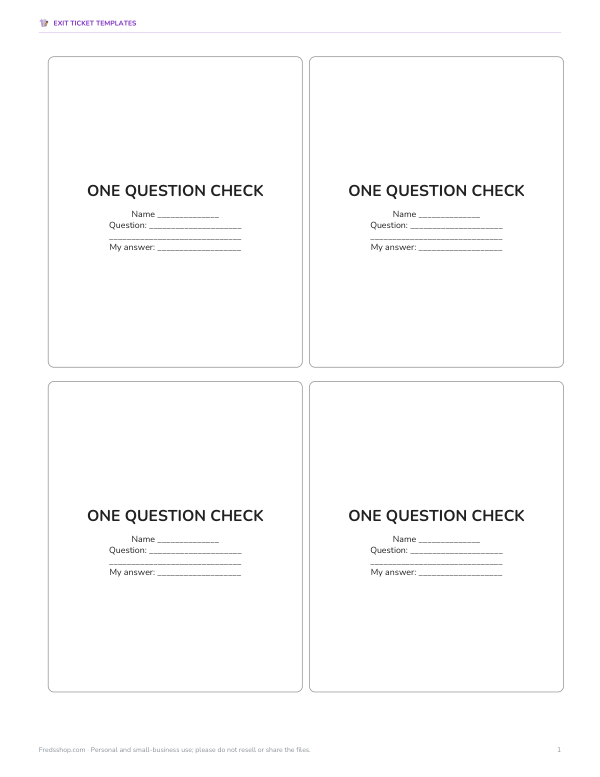 One Question Check Slip Printable1 page · free PDF
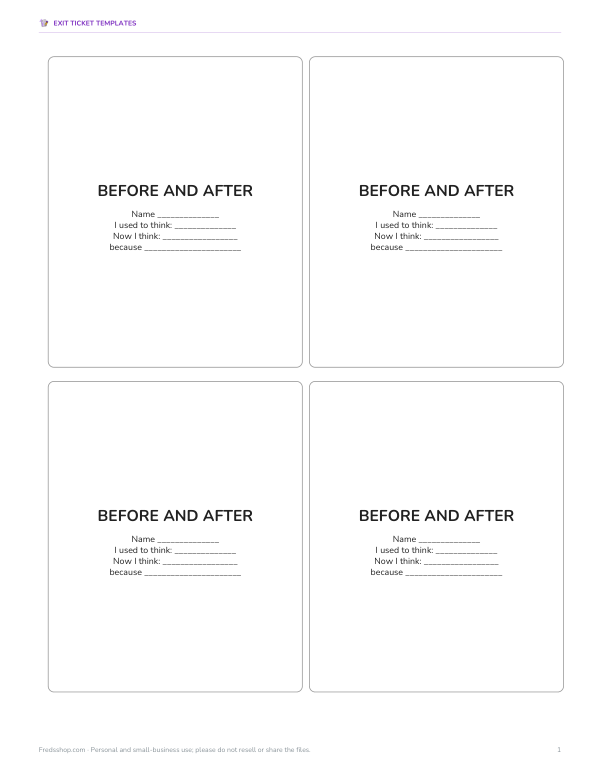 Printable Before and After Slips1 page · free PDF
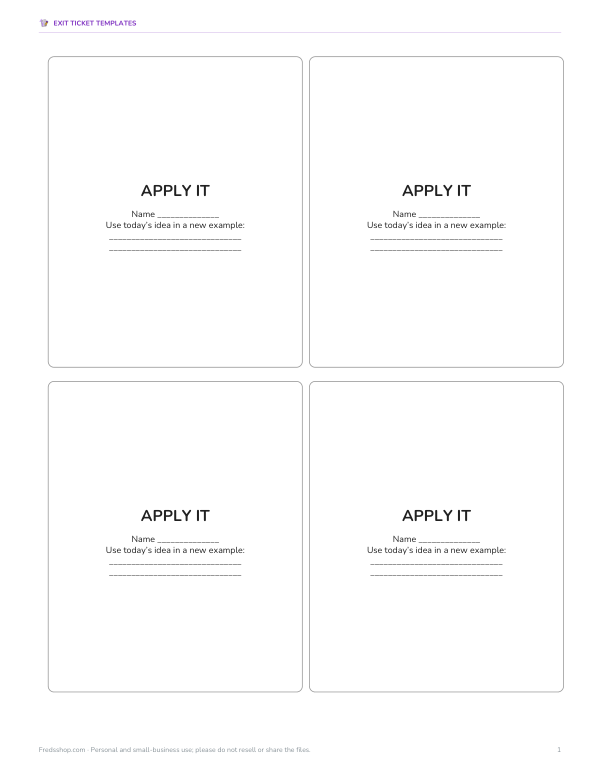 Printable Apply It Slips1 page · free PDF
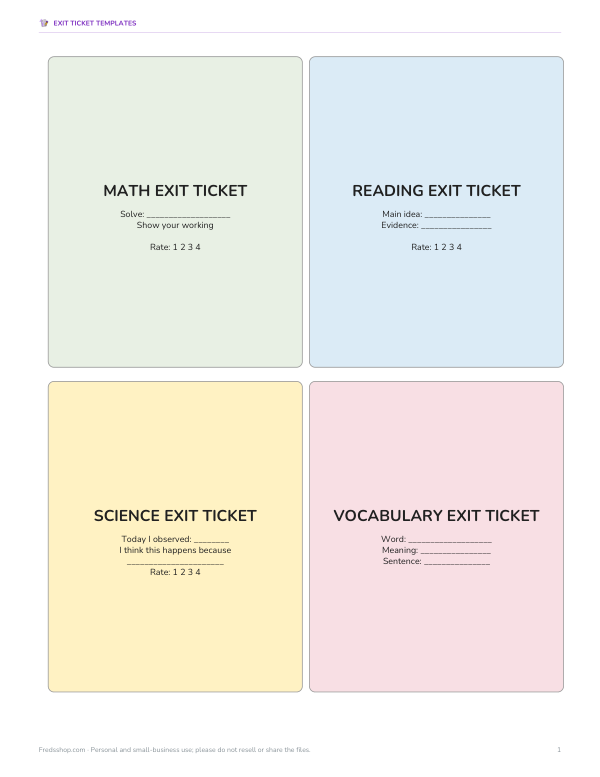 Printable Exit Ticket Template1 page · free PDF
What an exit ticket is
An exit ticket is a short task students complete in the final few minutes of a lesson and hand in as they leave. It usually asks one to three questions tied to the lesson objective. Because it takes only a few minutes and is quick to read, it gives teachers same-day evidence of learning — the essence of formative assessment — without the time cost of a quiz.
Exit ticket formats in the pack
| Format | Prompt | Good for |
|---|---|---|
| 3-2-1 | 3 things I learned, 2 questions, 1 thing I found interesting | Summarising new content |
| Rate your understanding | 1–4 scale plus “because…” | Self-assessment |
| Muddiest point | What was least clear today? | Finding misconceptions |
| One-question check | A single problem or question on the objective | Quick mastery check |
| Emoji check-in | Circle a face and explain | Younger students |
| Before and after | I used to think… now I think… | Conceptual change |
| Apply it | Use today’s idea in a new example | Transfer |
| Question for tomorrow | What would you like to know next? | Curiosity and planning |
Writing good exit ticket questions
- Tie every question directly to the lesson objective.
- Keep it short: students should finish in 2–5 minutes.
- Ask for evidence, not just “Did you understand?” — a quick problem or explanation reveals more.
- Include one self-rating so students reflect on their learning.
- Vary formats across the week to keep responses thoughtful.
Using the responses
- Sort tickets into three piles: got it, almost, not yet.
- Look for common errors or questions.
- Plan a quick reteach, small group or extension for tomorrow.
- Share one or two anonymous responses with the class to discuss.
- Record patterns in the tracker to spot students who need extra support.
Sorting 25–30 tickets usually takes under ten minutes, and the three-pile method makes the next lesson’s warm-up easy to plan.
Digital and paper exit tickets
Paper slips are quick, work without devices and let students draw diagrams. Digital forms collect responses automatically and are easy to sort. Many teachers use both: paper for quick checks and diagrams, digital when they want data over time. The editable Word templates in the pack make it easy to project a prompt or paste it into a form.
Worked example: a fractions lesson
After a lesson on equivalent fractions, a teacher uses a two-part exit ticket: “Write two fractions equivalent to 3/4” and “Rate your understanding 1–4 and explain.” Sorting the slips shows 18 students got it, 7 wrote fractions like 6/7 (adding rather than multiplying), and 3 left it blank. The next day starts with a five-minute reteach for the 10 students while the others try a challenge problem.
What is in the pack
- Printable exit slips, four per page, in eight formats.
- Subject slips for math, reading and science.
- Editable Word templates for your own prompts.
- An Excel tracker to record got it / almost / not yet by lesson.
Formats
Print-ready PDF exit slips (US Letter; A4 with “Fit to page”), editable Word templates and an Excel tracker.
Frequently asked questions
What is an exit ticket?
A short end-of-lesson question or task that shows what students learned.
How long should an exit ticket take?
About 2–5 minutes.
What is a 3-2-1 exit ticket?
Students write 3 things they learned, 2 questions and 1 interesting point.
Should exit tickets be graded?
Usually not; they are formative checks to guide teaching, so feedback matters more than marks.
How do I use exit ticket results?
Sort into got it / almost / not yet and plan reteaching or extension.
Was AI used to create the templates?
Templates were generated by script and prompts drafted with AI assistance, then reviewed before publishing.
May I print and share these worksheets with my class?
License: personal and classroom use. Teachers may print and photocopy these files for the students in their own classes, and share them in a password-protected class space (e.g. Google Classroom). Please do not resell, redistribute, or post the files on public websites. One purchase covers one teacher.